




Planning a trip from Kutaisi to Milan involves more than choosing a flight and booking a hotel. Your phone may hold your boarding pass, transfer reservation, accommodation details and the map you need for the final walk from the station. Organising mobile internet before departure helps you use those essentials when you need them, instead of searching for a connection after landing.
This guide takes you through the journey from preparation in Kutaisi to everyday internet use in Milan. It explains what to compare when choosing an eSIM, how to organise your arrival and which details to check before relying on a travel data plan. Flight schedules, transport services and mobile packages can change, so use your actual bookings and current provider instructions when making final arrangements.
Start with your arrival airport and transfer
When planning a journey to Milan, check the airport name and code on your ticket. A city name in a flight search is not enough to choose the right transfer. Make a note of your arrival terminal, scheduled landing time and accommodation address before buying onward transport.
If your itinerary brings you to Milan Bergamo Airport, its ground transport options include coach services to Milano Centrale. If you arrive at Malpensa, the Malpensa Express provides rail connections to Milan, including Centrale and Cadorna. These are different arrival points and journeys: check the airport’s and transport operator’s websites for your travel date rather than reusing instructions from someone else’s trip.
Plan the complete route to your accommodation, not just the airport-to-city leg. Save the name of your final stop, the walking directions and any late check-in instructions. Allow time for baggage collection and finding the departure point. For a late flight, identify a backup transfer in case your planned connection is no longer available.
Prepare a digital travel folder before leaving Kutaisi
Create one easily accessible folder or note containing your flight details, transfer confirmation, hotel address and important contact numbers. Download documents that support offline access, and check that they open without a connection. If a transport or ticketing app requires activation or a live connection, read its instructions in advance; a screenshot may not replace a valid ticket.
Save the name of your accommodation in the form used on the booking, together with its entrance instructions. This can help when communicating with a driver or finding a building with several entrances. Keep the booking reference separate from a long email thread so you can retrieve it quickly.
Before travelling to Kutaisi Airport, charge your phone and make sure you can access the email account used for your reservations. Download any apps you intend to use and sign in while you have time to resolve forgotten passwords. Keep a small offline backup of essential details in case your battery runs low.
Compare eSIM, home roaming and a physical SIM
An eSIM is a digital SIM profile that can be installed on a compatible device without inserting a physical card. For travel, the attraction is preparation: you can investigate packages before departure and follow the provider’s setup process while you have a reliable connection.
It is still worth comparing the available options for your own trip. Your home operator may offer a roaming package that meets your needs. A local physical SIM may be an alternative if your phone does not support eSIM. Consider convenience, device compatibility, the total cost for your stay and whether you need ordinary calls and SMS as well as mobile data.
A useful comparison starts with the same requirements for every option: the countries you will visit, the number of days you need service and the activities you plan to use mobile data for. Avoid judging packages only by the lowest advertised starting price, which may refer to a smaller allowance or shorter validity than your journey requires.
How to choose an eSIM for Milan
To explore a destination-specific option, compare the esim milan plans against your itinerary. Open the details of the package you are considering and review the following points before purchasing:
- Coverage: confirm that the package covers Italy and any additional countries on your route.
- Validity: check the number of days included and the event that starts the validity period.
- Data allowance: distinguish a fixed allowance from an unlimited package with possible fair-use restrictions.
- Hotspot use: verify whether sharing your connection with a laptop or another phone is permitted.
- Calls and messages: establish whether the package is data-only or includes a telephone number, minutes or SMS.
- Support and extensions: read how to obtain help and whether you can top up or extend the selected package.
For a journey beyond Milan, evaluate the whole route before choosing between a country and regional plan. Do not assume a package includes a neighbouring country simply because it is marketed for Europe. A clear coverage list is more useful than a broad regional label.
Estimate data around your travel habits
There is no single allowance that suits every visitor. Someone who mostly checks directions and messages will have different needs from a traveller uploading videos or joining work calls. Look at your phone’s recent usage, identify your busiest apps and consider how your habits will change while away.
For a short city break, make a list of essential uses: maps, transport information, restaurant searches, messages and reservations. For a longer stay, add work tasks, entertainment and any connection sharing. If travelling as a couple or family, decide whether each person needs independent access when the group separates.
Leave a margin for unexpected use, but do not buy a large allowance solely because it sounds safer. Check your consumption early in the trip and compare it with the remaining days. Treat suggested data amounts as estimates rather than guarantees: your actual usage depends on apps, media quality and settings.
Check device compatibility before buying
Confirm eSIM support for your exact phone model and regional version, and check that it is unlocked for another provider. On iPhone, Apple’s guidance explains how to check the network lock status under Settings, General and About. For other devices, consult the manufacturer’s instructions and the provider’s compatibility information.
You can browse travel data options through Avia eSIM and review the details of the package you intend to buy. If compatibility is unclear, ask support before completing the purchase. A familiar model name alone does not settle every regional or operator restriction.
Install and activate your travel eSIM step by step
- Read the supplied instructions. Check whether setup uses a QR code, an app or manual details, and whether installation starts the validity period.
- Prepare a stable connection. Use the connection required by your provider and device. Give yourself time to complete setup before travelling.
- Make the installation details accessible. If scanning a code, arrange to view it on another screen or follow the supported same-device method.
- Label the line clearly. Where supported, a name such as “Italy travel” can help you distinguish it from your usual line.
- Apply the arrival settings. Follow the package instructions for enabling the line, selecting it for mobile data and setting data roaming.
- Test a simple connection. Open a small webpage or send a message before depending on the connection for your onward journey.
Installation and activation are not always the same event. Follow the terms for your specific package, particularly if buying several days before departure. Keep the setup email and support details available until the connection is working.
Make the most of mobile internet while exploring Milan
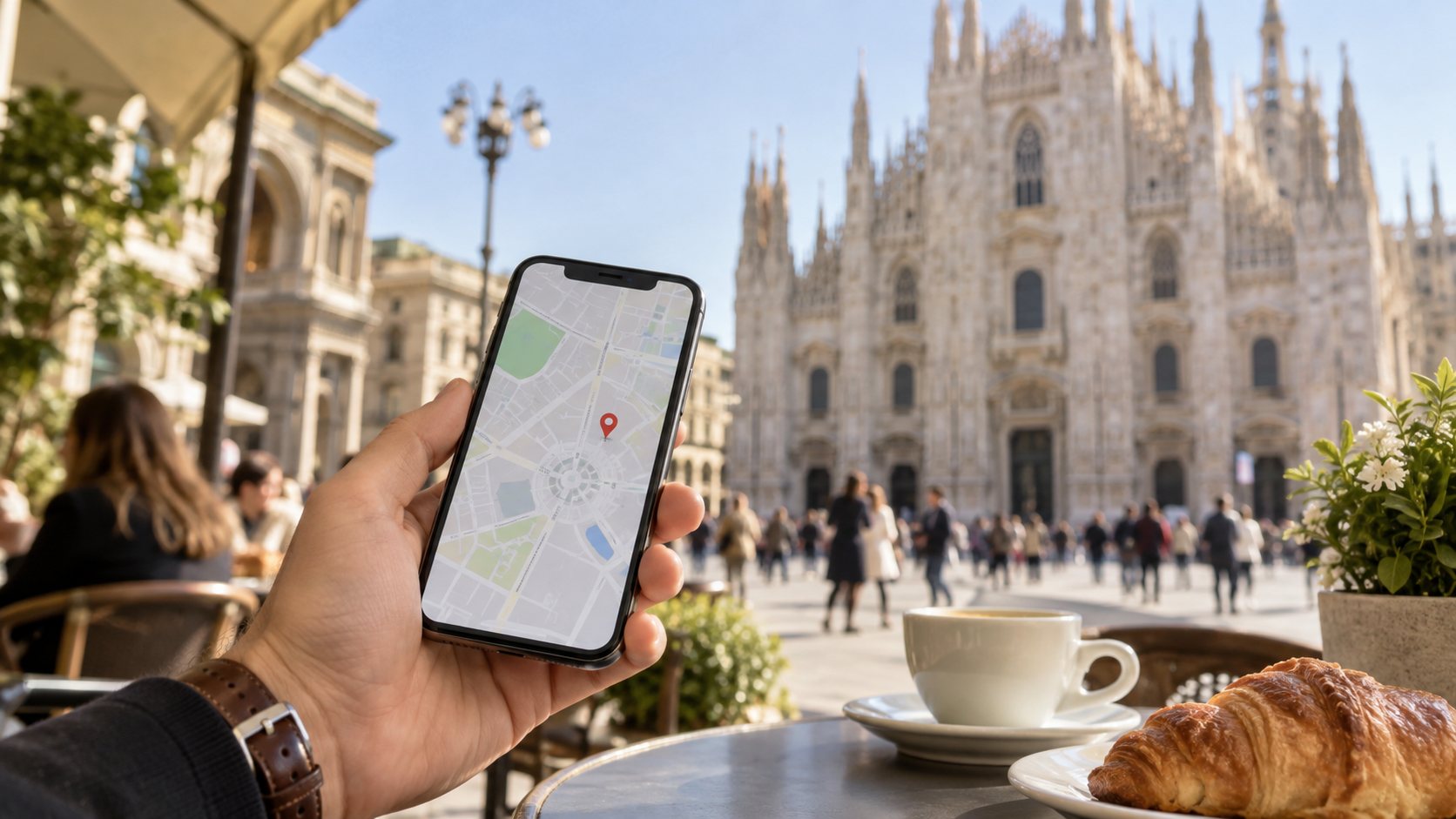
Think of connectivity as a tool for the moments when plans change. You may need to check a different route, contact your accommodation or find the meeting point for a reservation. Save important places before leaving the hotel so you spend less time searching while standing outside.
For a day around the Duomo, keep your meeting point and return route easy to find. When planning an evening elsewhere in the city, save the accommodation address before leaving. If your group splits up, agree on a physical meeting place as well as a messaging channel.
Download maps and larger media files before heading out where your apps support this. Review automatic photo backups, app updates and video playback settings if you want to manage data use. Keep enough battery for the journey back; a working data plan is less helpful when your phone needs charging.
What to check if the connection does not work
Start with the instructions supplied for your package. Confirm that the travel line is enabled, selected for mobile data and being used in a covered destination. Check the validity period and remaining allowance. Apply any roaming, network selection or access point settings exactly as the provider specifies.
If you need support, describe what appears on the screen: whether there is a signal, whether an error message is shown and whether the problem affects all apps. Have your device model and order reference ready. Use the provider’s private support channel for account details, and do not post installation codes publicly.
Avoid deleting the eSIM as an early troubleshooting step. Reinstallation conditions differ, and you may need the provider’s assistance. Use an available trusted connection to contact support while keeping your offline arrival information accessible.
Frequently asked questions
Can I keep my usual number?
That depends on your device’s dual-SIM capabilities and configuration. Keeping your home line active can still involve operator charges. Check call, SMS and roaming terms separately from the travel data package.
Does a data-only eSIM include a local phone number?
Do not assume it does. Read the package description. If you need ordinary telephone calls or SMS, make those requirements part of your comparison before purchasing.
Will hotel Wi-Fi be enough?
It may cover your needs while at the accommodation, but plan how you will access information between stops. Offline documents and maps are useful whether you choose mobile data or rely mainly on Wi-Fi.
Can I share one package with a travelling companion?
Check hotspot support and package conditions first. Also consider what happens when you separate: a companion relying on your hotspot needs another way to connect when your phone is elsewhere.
What should I do before returning to Kutaisi?
Save your return documents, confirm the departure airport and review your transfer. After the trip, check which line your phone uses for mobile data and restore your preferred home settings.
Your final departure checklist
- Confirm your departure airport, terminal and current check-in instructions.
- Save transfer details, accommodation information and usable offline documents.
- Check phone compatibility and the selected package’s coverage and validity.
- Keep installation instructions and private support details accessible.
- Charge your phone, review data settings and agree on a meeting point with companions.
Preparing these details before leaving Kutaisi makes the first hours in Milan easier to organise. Choose a connection that matches your itinerary, keep essential information available offline and review your settings before relying on mobile data. The result is more time to enjoy the trip and fewer practical tasks to solve on arrival.